
Better website enquiries
Let buyers explain what they want through a structured product experience.
- Selected system, size and options
- Contact and project information
- Saved configuration for sales follow-up
Pergola configurator for installers and dealers
Configurix helps pergola installers and dealers connect website enquiries, consultations, 3D product configuration, live pricing, branded quotes, follow-up and project handoff in one white-label workflow.
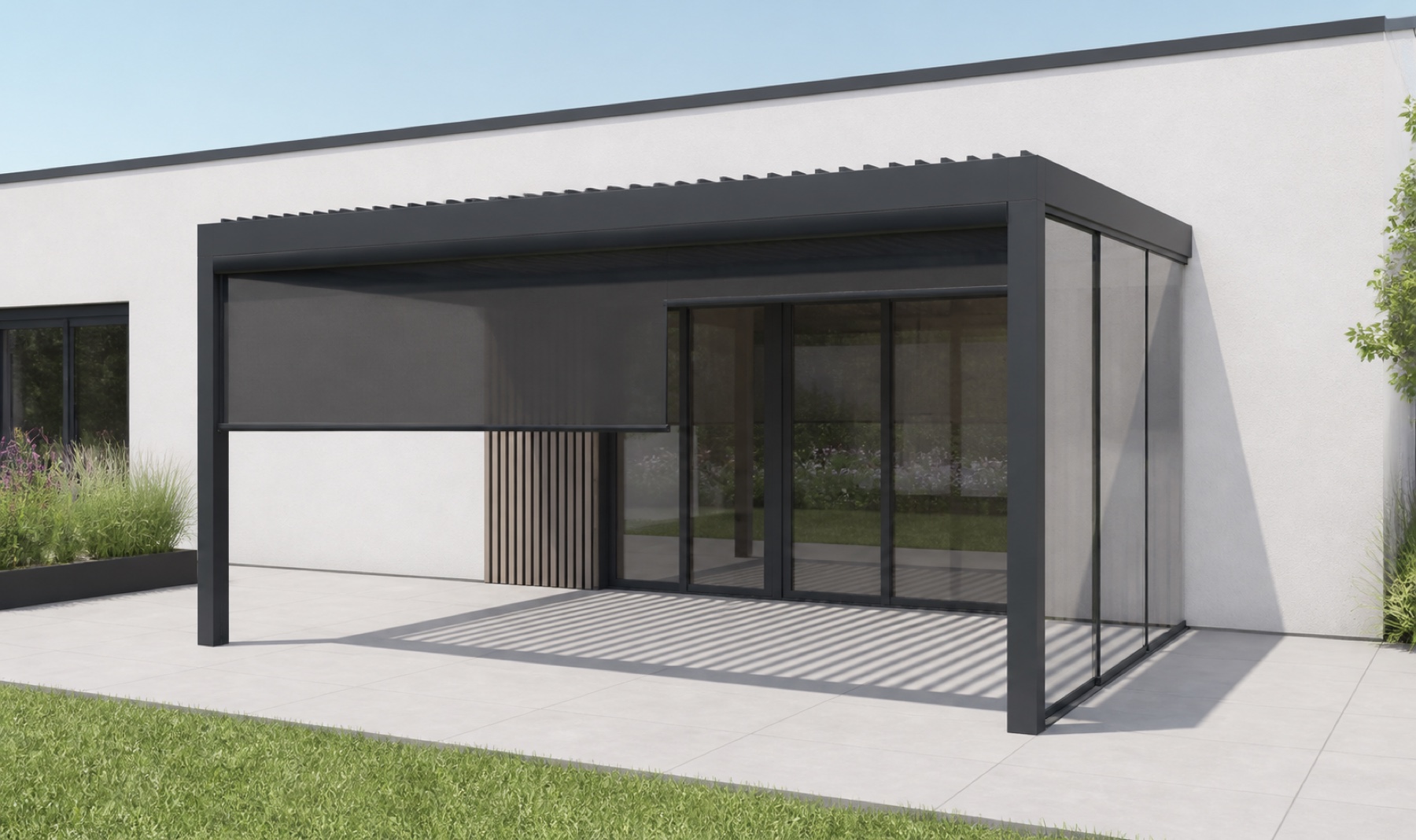
Connected pergola workflow
The design, price, quote and project record stay connected.
Built around the installer journey
Pergola installers need more than an attractive 3D image. A useful system must capture the product a customer wants, help the team qualify the opportunity, apply the correct catalogue and price rules, communicate a clear offer and retain the information needed for the next visit or handoff.
Configurix can begin on the installer's website, where a visitor explores products and submits a configuration. The same record can then be used during a remote consultation, showroom appointment or site visit, keeping the chosen system, dimensions and options visible to both the buyer and the salesperson.
After the proposal, project status, follow-up and agreed product data remain connected. The implementation can then provide the required information to survey, operations or another business system without presenting unverified customer outcomes as guaranteed results.
Configurix adapts to installer-led, dealer-led and mixed sales models, including teams that sell direct, through showrooms or across partner networks.
Let buyers explain what they want through a structured product experience.
Use a visual product journey during remote, showroom and on-site conversations.
Give every sales user the same approved systems, options and constraints.
Move from configured product to a commercial offer without rebuilding the scope.
Keep the opportunity organised after the first customer interaction.
Preserve the agreed product information for validation and fulfilment.
One connected process
Each stage adds useful detail to the same opportunity instead of creating an unrelated drawing, spreadsheet, document and task list.
Enquiry
Receive a website configuration or create the first project record from a call or showroom visit.
Consultation
Review system, dimensions, roof, closures, finish and accessories with the customer.
Proposal
Apply the commercial rules, prepare a branded quote and keep the next action visible.
Preparation
Carry approved project information into survey, technical review and installation planning.
The purpose is not to remove every specialist system. It is to keep the customer's product choices coherent while the opportunity moves between people and stages.
| Customer stage | Configurix installer workflow | Disconnected workflow |
|---|---|---|
| Website enquiry | Can arrive with a selected pergola, dimensions, options and contact information. | Often arrives as a short form submission that requires a separate discovery process. |
| Sales consultation | The salesperson can continue the saved product configuration with the customer. | The team may redraw the project or transfer notes into another tool. |
| Price and quote | Commercial rules and document output can use the same structured configuration. | Product choices are commonly re-entered into spreadsheets and templates. |
| Follow-up | Status, configuration and customer context remain associated with the opportunity. | Context may be split across email, CRM notes, drawings and local files. |
| Installation preparation | Approved product data can continue into validation and agreed operational outputs. | Operations may need to reconstruct the sold scope from several sources. |
Pergola software FAQ
Product setup, pricing rules, outputs, integrations, implementation and ongoing catalogue changes.
Related pages cover the complete product, specific business roles and practical quoting guidance without repeating the same search intent.
Core product
Explore the complete Configurix product for bioclimatic and made-to-measure pergola sales.
Commercial workflow
See how the saved design can drive live pricing, proposal output and project revisions.
Practical guide
Review the inputs and commercial sections needed for a clear made-to-measure pergola quote.
Network workflow
Learn how manufacturers can support product rules, pricing and dealer sales across a network.
Eine kostenlose, unverbindliche Einführung – abgestimmt darauf, wie Ihr Team konfiguriert, anbietet und umsetzt.
Demo buchen
Ihr Katalog. Ihre Regeln. Ein durchgängiger Ablauf.