
Phase 5: Product Configurator Launch, Analytics and Continuous Improvement
Launch a 3D product configurator with clear ownership, event measurement, support, catalogue governance and a practical plan for multilingual and multi-product growth.
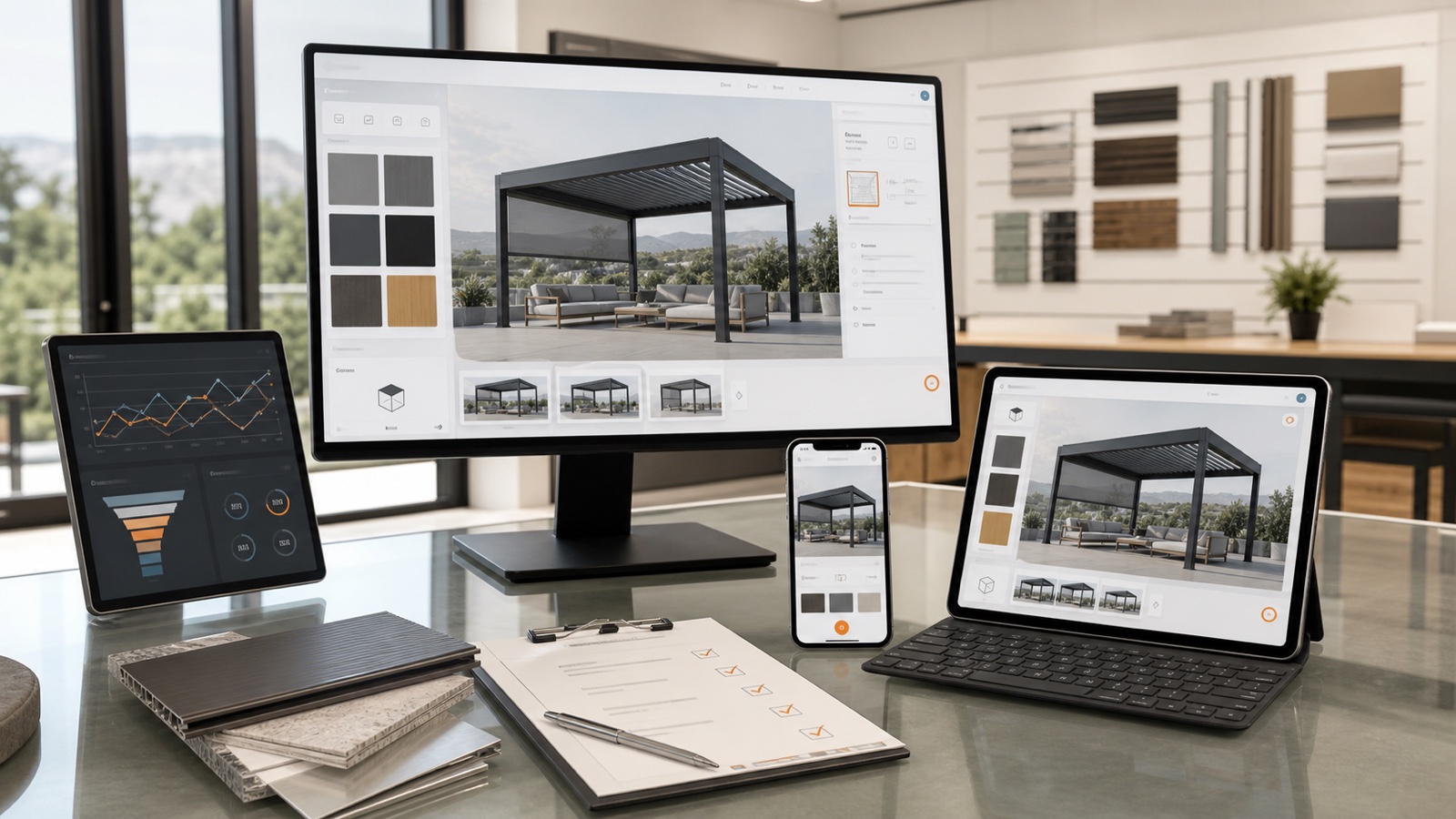
Table of contents
- Define what launch means
- Build a release-readiness checklist
- Product and commercial readiness
- Technical readiness
- Experience readiness
- Operational readiness
- Train by role and task
- Sales and showroom teams
- Dealers and distributors
- Product and catalogue owners
- Operations and support
- Administrators and technical owners
- Instrument meaningful events
- Measure against a documented baseline
- Combine field and laboratory performance data
- Establish a support model
- Govern catalogue, price and content changes
- Plan multilingual and multi-market expansion
- Expand from one product without cloning the system
- Prioritize improvements with evidence
- Correctness
- Comprehension
- Performance and accessibility
- Commercial workflow
- Catalogue growth
- How Configurix approaches phase 5
- A 30-, 60- and 90-day operating rhythm
- First 30 days
- Days 31–60
- Days 61–90
- Common phase-5 mistakes
- Declaring success at deployment
- Collecting events without definitions
- Changing production data without regression tests
- Expanding before owners can support the first release
- Publishing unsupported outcome claims
- Phase 5 completion checklist
- Frequently asked questions
- What should we measure after launching a 3D product configurator?
- Does Configurix support ongoing customization?
- Can we add more products after the first launch?
- Can Configurix support worldwide dealer networks?
Phase 5 publishes the accepted product configurator and establishes the operating system around it. Launch is not the moment the project stops. It is the point where real customers, salespeople, dealers and downstream systems begin producing evidence that guides maintenance and improvement.
This phase covers release readiness, analytics, training, support, catalogue changes, multilingual growth and the metrics needed to evaluate the workflow against the business’s own baseline.
Implementation series: Phase 1 — discovery and requirements · Phase 2 — product data, rules and pricing · Phase 3 — 3D assets and UX · Phase 4 — integrations and testing · Phase 5 — launch and optimization
Define what launch means
“Live” can mean different things:
- public website configurator available to all visitors;
- authenticated dealer portal released to a pilot group;
- assisted-sales tool available in selected showrooms;
- internal quoting workflow used by one team;
- one product and market active while others remain in staging;
- soft launch with monitored traffic before promotion.
Name the audience, product, market, domain, environment and support window. A phased release can reduce risk, but only when users understand which version is authoritative.
Build a release-readiness checklist
Launch review should include more than passed feature tests.
Product and commercial readiness
- accepted catalogue and rule versions are published;
- current prices, taxes, discounts and validity dates are loaded;
- quote and document wording is approved;
- roles, accounts, markets and permissions are correct;
- product and price owners confirm release.
Technical readiness
- production domains, certificates and redirects are verified;
- assets, APIs and integrations use production configuration;
- secrets and access are provisioned safely;
- monitoring, logging, alerting and backups are defined;
- rollback or disablement options are known;
- privacy, consent and retention behavior is accepted.
Experience readiness
- public, assisted-sales and dealer journeys work where scoped;
- supported browsers and devices are tested;
- loading, interaction and largest-scene behavior are acceptable;
- keyboard, focus, errors and alternatives are reviewed;
- contact, help and completion actions reach the right team.
Operational readiness
- sales and support users are trained;
- owner directory and escalation path are available;
- failed document or integration events can be reconciled;
- catalogue and price change requests have a process;
- the first review date is scheduled.
Train by role and task
Training should reflect actual responsibilities.
Sales and showroom teams
They need to start, save, reopen, revise and quote a project; explain unavailable choices; use the correct price context; and know when technical review is required.
Dealers and distributors
They need account access, catalogue and price boundaries, document behavior, order or lead submission and support contacts.
Product and catalogue owners
They need to request or approve options, rules, prices, translations and effective dates; understand impact; and review regression evidence.
Operations and support
They need to locate a project, understand status, recover common failures, escalate defects and protect customer data.
Administrators and technical owners
They need permissions, environments, integration monitoring, release process, backups, logs and vendor coordination appropriate to the scoped system.
Do not use one generic presentation for every role. Give each group representative tasks and a short reference they can use during live work.
Instrument meaningful events
Analytics should describe the decision journey without collecting unnecessary data. Useful events may include:
- configurator opened;
- product family selected;
- first valid configuration reached;
- dimensions changed;
- option group completed;
- price viewed;
- project saved;
- AR opened where available;
- quote requested or generated;
- lead submitted;
- project reopened;
- approval or order action completed;
- validation, document or integration error.
Each event needs a definition, trigger, properties, privacy basis and owner. Avoid creating several names for the same action across website, configurator and CRM.
Measure against a documented baseline
There is no universal configurator conversion uplift. Product value, lead quality, traffic, price visibility, sales process and implementation quality all affect results.
Measure improvement against the organization’s own baseline. Useful metrics include:
| Area | Example metric | Interpretation question |
|---|---|---|
| Reach | Qualified configurator sessions | Are intended users finding and starting the experience? |
| Engagement | Valid configurations per start | Can users reach a sellable state? |
| Commercial intent | Quote or structured lead rate | Do users continue after understanding the product and price? |
| Speed | Time from enquiry to first accurate quote | Has the accepted workflow removed avoidable delay? |
| Effort | Sales or engineering minutes per quote | Is manual re-entry or checking reduced? |
| Quality | Quote, order or BOM correction rate | Do accepted outputs match downstream needs? |
| Reliability | Failed or duplicated handoffs | Are integrations operating safely? |
| Adoption | Active salespeople or dealers | Are intended teams using the system for real work? |
Segment by product, channel, market, device and role where sample size permits. A single overall conversion rate can hide a broken mobile journey or one untrained dealer group.
The configurator analytics and KPI guide provides definitions, event architecture and measurement cautions.
Combine field and laboratory performance data
Performance varies by device, network and user behavior. Google’s Web Vitals guidance notes that laboratory measurement helps catch regressions before release, while field data is needed to capture the complete real-user picture (web.dev Web Vitals).
Continue monitoring:
- page and 3D loading;
- interaction response;
- layout stability;
- asset and API failure rate;
- largest valid product behavior;
- memory and long-session stability;
- supported mobile and desktop devices.
Investigate changes by release, product and device rather than assuming every performance movement has the same cause.
Establish a support model
Define:
- where users report problems;
- what information a support request must include;
- severity and triage rules;
- business and technical escalation;
- who can pause a product, price or integration;
- how incidents and customer communication are recorded;
- how a resolved issue becomes a regression test.
A useful support record includes configuration ID, revision, role, market, browser or device, timestamp, action, expected result and observed result. Screenshots are helpful but insufficient when the defect concerns rules, price or downstream data.
Configurix provides ongoing support and customization according to the agreed service and implementation scope. Exact response commitments and operating responsibilities should be documented rather than assumed.
Govern catalogue, price and content changes
Post-launch changes can affect more than the screen where they appear.
Adding an accessory may require:
- product and option IDs;
- compatibility rules;
- 3D component and material;
- price and tax behavior;
- quote description and image;
- BOM or order mapping;
- translations;
- integration schema or destination master data;
- regression tests.
Use impact review, staging, approval and release notes. Define effective dates and behavior for saved projects and open quotes.
The product configurator maintenance and governance guide provides a complete ownership and change model.
Plan multilingual and multi-market expansion
Multilingual configuration is more than translating controls. Review:
- product names and technical terminology;
- validation and rule explanations;
- units, decimal separators and dimension conventions;
- currencies, taxes, price lists and installation charges;
- quote templates, terms and legal content;
- market catalogues and unavailable options;
- dealer and support routing;
- SEO metadata and indexable landing pages where appropriate.
Configurix can be implemented in multiple languages and customized for worldwide sales. The accepted catalogue, commercial policy and documents may differ by market even when the underlying product model is shared.
Read the multilingual product configurator guide for localization architecture and governance.
Expand from one product without cloning the system
Use the first release to identify reusable capabilities:
- user and account model;
- market and price context;
- material and finish libraries;
- quote and document services;
- CRM or ERP contracts;
- analytics taxonomy;
- design patterns and accessibility behavior;
- release and support process.
Then model each new product around its own decision structure. Reuse platform capabilities without forcing doors, pergolas, pumps and furniture into the same option hierarchy.
Prioritize improvements with evidence
Classify opportunities:
Correctness
Invalid products, wrong prices, lost revisions and failed handoffs have priority.
Comprehension
Improve steps where users repeatedly select invalid values, abandon or contact support for explanation.
Performance and accessibility
Address device-specific delays, focus failures, unreadable errors and blocked completion actions.
Commercial workflow
Reduce avoidable re-entry, manual document work and unclear ownership after submission.
Catalogue growth
Add products, markets and channels when the shared platform and owners can support them.
Do not optimize only for more option clicks. The goal is a valid, understood and useful business result.
How Configurix approaches phase 5
Configurix can support a product configurator from focused launch through broader white-label rollout. Depending on scope, the system can serve public website visitors, salespeople, showrooms, dealers and distributors with shared configuration state and market-specific presentation.
Post-launch Configurix work can include:
- product, option, rule and price changes;
- new 3D components, materials and visual states;
- additional languages, markets, currencies and documents;
- quote, CRM, ERP, PIM, e-commerce or BOM extensions;
- interface and customer-journey improvements;
- analytics and event refinement;
- regression testing and release support.
Configurix’s focused Fast Launch route can usually target around seven days for an eligible first product with complete inputs and responsive review. Broader multi-product white-label software can take up to about 30 days depending on scope. Continued expansion follows the same discipline: accepted product truth, observable requirements, tested outputs and named owners.
A 30-, 60- and 90-day operating rhythm
First 30 days
- monitor errors and completion events frequently;
- support users closely;
- verify quote and integration reconciliation;
- correct product, price or comprehension issues;
- confirm field performance on real devices.
Days 31–60
- compare journey metrics with the baseline;
- review support themes and abandoned steps;
- refine training and content;
- prioritize accepted UX and workflow improvements;
- prepare the next catalogue or market change.
Days 61–90
- evaluate adoption and operational effort;
- review product and price governance;
- decide which integrations or outputs should deepen;
- approve the next product, channel or market phase;
- refresh regression fixtures from real cases.
The calendar is illustrative. Release size, traffic and operational risk determine the actual review frequency.
Common phase-5 mistakes
Declaring success at deployment
Deployment proves availability, not adoption, correctness or business value.
Collecting events without definitions
Analytics becomes unreliable when teams use different names, triggers and identities for the same action.
Changing production data without regression tests
An option or price edit can affect 3D, documents, saved projects and integrations.
Expanding before owners can support the first release
More products and markets increase catalogue, translation, price and support responsibility.
Publishing unsupported outcome claims
Use measured results from a documented baseline. Do not convert an internal target or isolated example into a universal promise.
Phase 5 completion checklist
Phase 5 is operating successfully when:
- launch audience, product, market and authority are clear;
- support, escalation and rollback paths are documented;
- meaningful events and metrics have definitions and owners;
- field and laboratory performance are monitored;
- quotes and integration outputs are reconciled after release;
- product, price, translation and document changes use governance;
- saved-project and revision policies work through change;
- training and adoption are reviewed by role;
- expansion decisions use evidence rather than novelty;
- Configurix and customer owners have an agreed ongoing working model.
To assess your own project, use the implementation guide, requirements checklist and testing guide. To review a real product catalogue and implementation path, book a Configurix demo.
Frequently asked questions
What should we measure after launching a 3D product configurator?
Measure the journey and business process against a documented baseline: qualified starts, valid configurations, quote or lead completion, time to accurate quote, manual effort, correction rate, integration reliability and user adoption. Segment results where practical.
Does Configurix support ongoing customization?
Yes. Configurix can continue adapting products, rules, prices, 3D assets, documents, languages, workflows and integrations. The administration method, support responsibilities, testing and commercial scope are agreed for each implementation.
Can we add more products after the first launch?
Yes. Reuse platform capabilities such as identity, pricing context, documents, integrations and analytics, then model each new product’s own rules and outputs. Expansion should not compromise the accepted first product.
Can Configurix support worldwide dealer networks?
Configurix can support white-label, multilingual and market-specific experiences for customers, sales teams and dealer networks. Catalogue, account prices, currencies, units, documents, roles and integrations are scoped to the actual operating model.
Ready to try Configurix?
See how the configurator, quoting and CRM work together for your business.
Book a demo →Related articles
Phase 4: Quotes, BOM, Integrations and Product Configurator Testing
Connect one accepted configuration to quotes, CRM, ERP, ecommerce or BOM outputs, then prove the complete workflow with structured acceptance and failure tests.

Phase 3: 3D Asset Pipeline and Configurator UX for the Web
Prepare accurate browser-ready 3D assets and design a clear, responsive configurator experience that keeps product state, price and customer intent connected.

Phase 2: Building the Product Data, Rules and Pricing Model
Turn catalogues, identifiers, dimensions, compatibility knowledge and price logic into a governed product model that can drive 3D, quotes and downstream data.

Phase 1: Product Configurator Discovery, Requirements and Acceptance Criteria
Plan a 3D product configurator around real users, catalogue rules, pricing, outputs and measurable acceptance criteria before design or development begins.